Visualinst for Mac is coming soon. Everything already works in your browser. Open the web app →
Visualinst for Mac — a native app for Apple Silicon with automatic updates. Download for Mac →
Audio-reactive visualizer · Web & Mac

Drop in a beat.
That’s it.

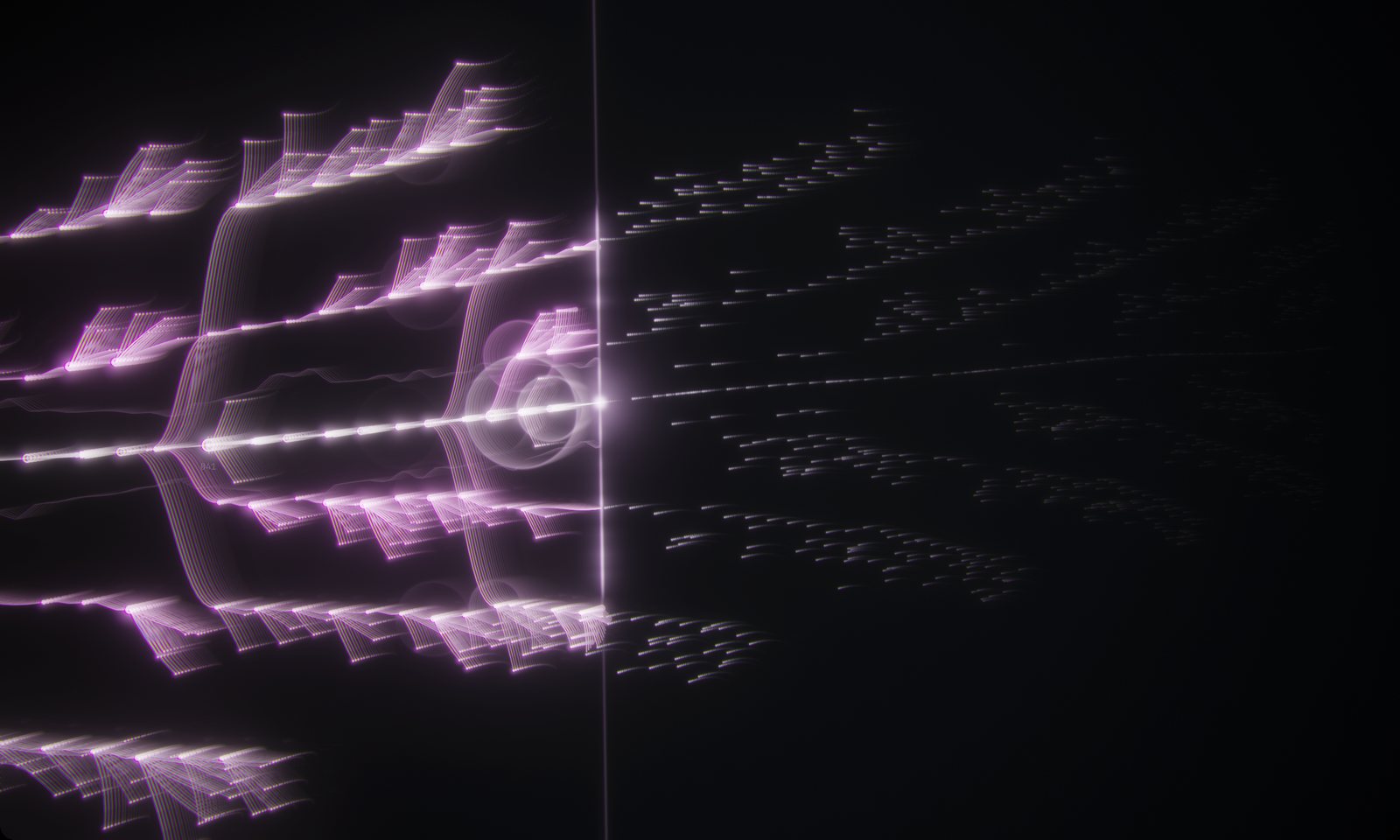
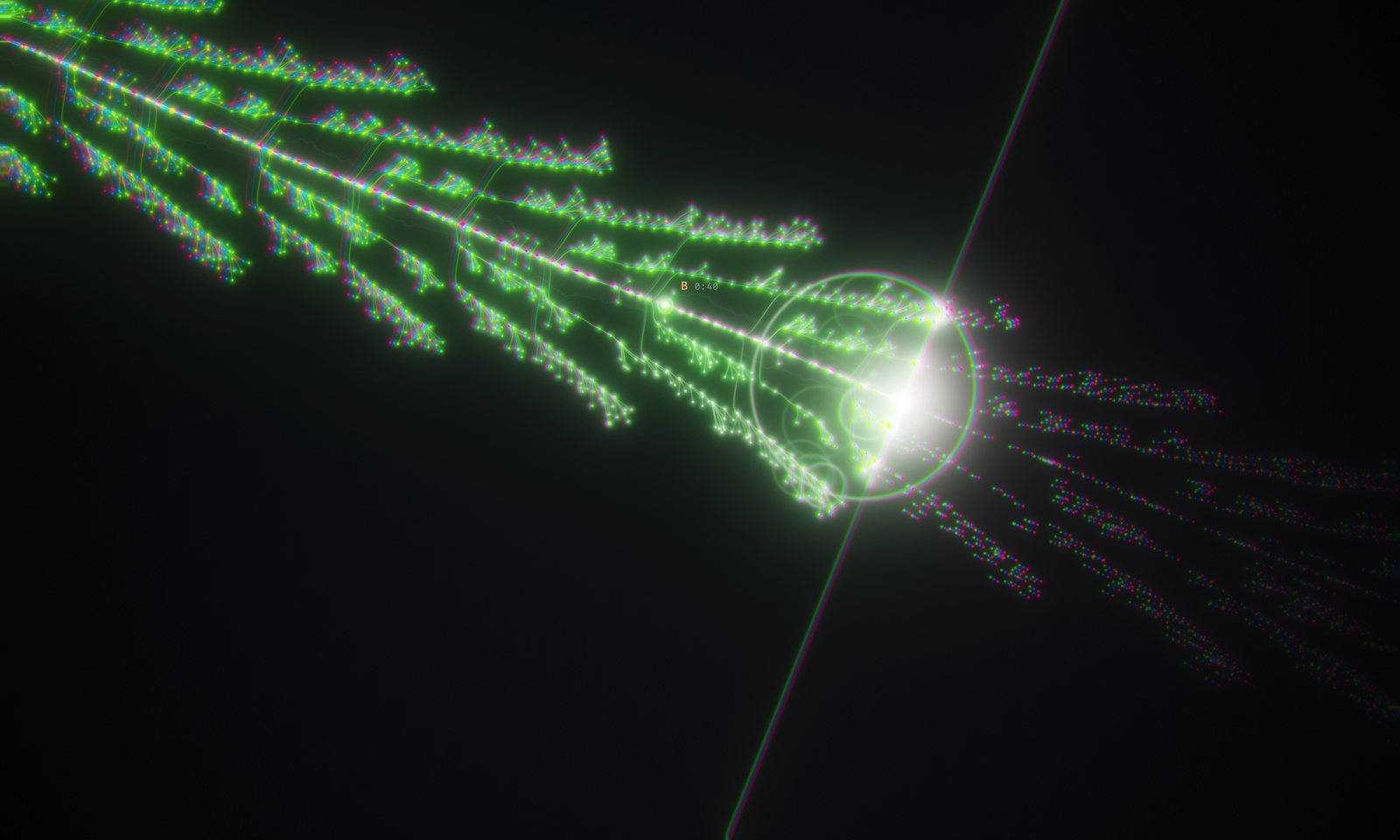
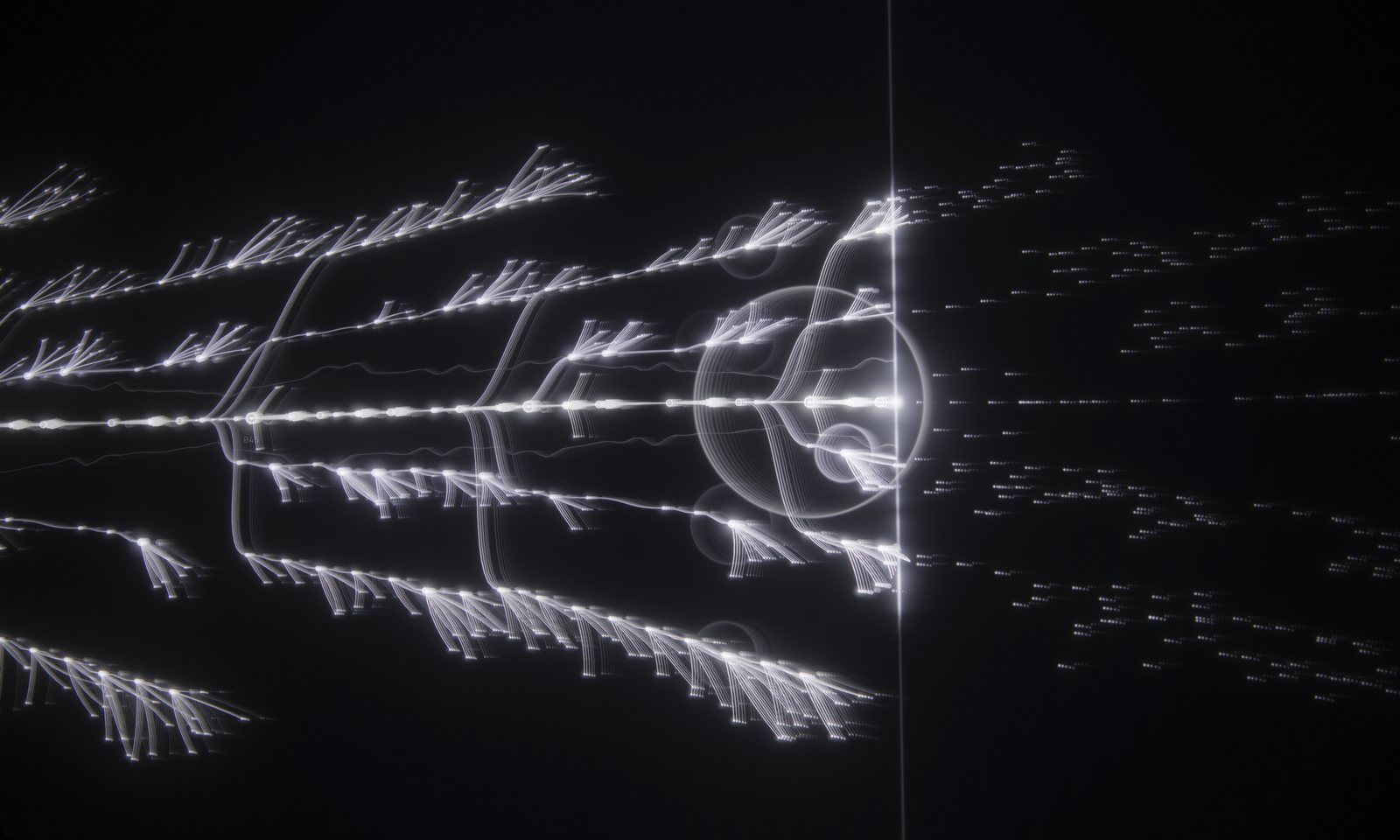
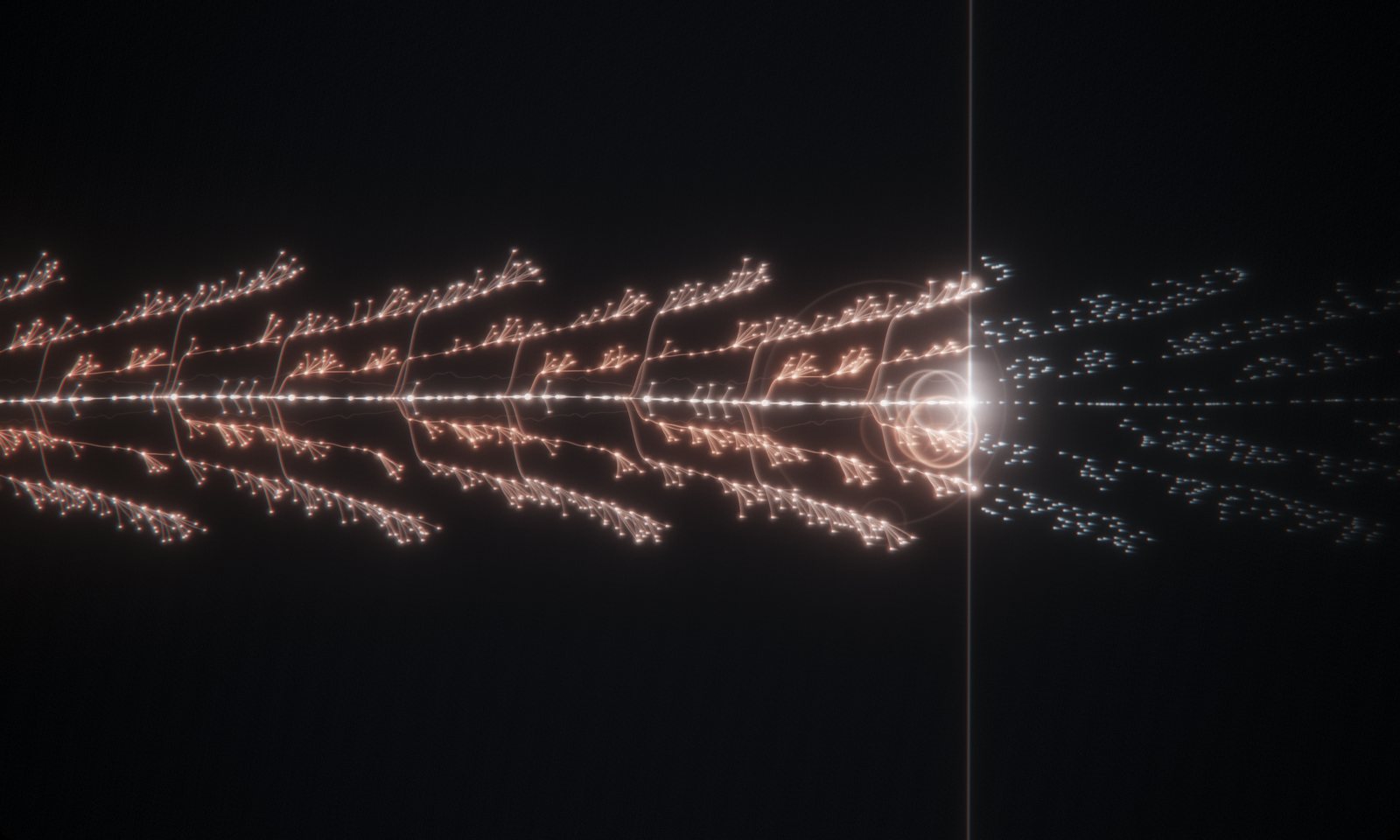
Visualinst listens to your whole track first — kicks, snares, hats and song sections — then grows a visual that moves exactly with the music. No timeline, no keyframes, no templates to fill in.

Works in Chrome, Edge, Firefox and Safari on Windows, macOS and Linux. Your audio never leaves your device.

Live: the app’s own start screen, running in your browser
How it works

One file. A few seconds. Done.

Rhythm and structure come straight from the audio, so there’s nothing to set up and nothing to sync by hand.

01

Drop a track

Drag in an MP3, WAV, M4A or FLAC, or click to pick one. Files stay on your machine.

02

It reads the song

Tempo, beats, downbeats, transients in five frequency bands, and where the sections change. A three-minute track takes about two seconds on an M2 Pro.

03

Press Space

A scan line moves with playback and every hit branches out right where it lands — in time with what you hear.

What it sees

The shape of the song, not a bouncing bar graph.

Every branch, ring and color change maps to something real in your track.

The trunk forks into a new lane and color when the song moves into a new section

Sections fork the trunk

Visualinst splits the song into sections on its own. When the hook comes back, it returns to the same lane and the same color — so by the end, the arrangement is visible at a glance.

Transients from different frequency bands branching out from the beat trunk

Every band gets its own branches

  • Transients are detected separately in five bands, from sub to air. Higher sounds branch further from the trunk.
  • Kicks thicken the trunk and send out a ring.
  • Harder hits burst into bigger twigs.
  • Because the track is analyzed up front, upcoming notes appear ahead of the scan line as faint points.

An entire song coiled into a spiral map

The whole track as one map

Before and after playback, the entire song coils into a spiral you can zoom and pan — a picture of the arrangement from first bar to last.


Visualinst Pro

Same beat. A different film every time.

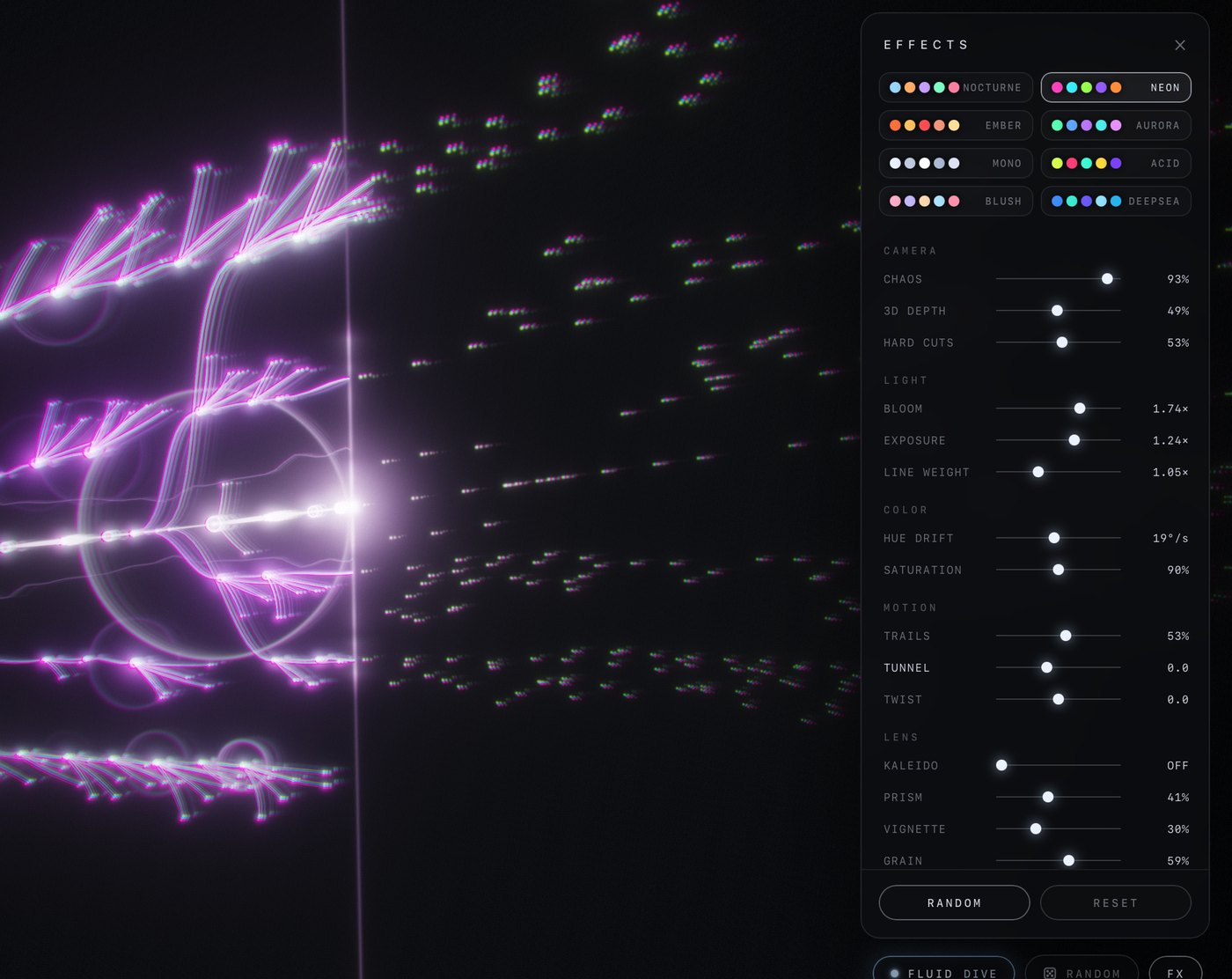
Turn on FLUID and a camera director cuts between angles on bars and sections. Hit RANDOM for a whole new look, or dial everything in yourself in the FX panel.

Every image is an unedited capture of the app, using the founder’s own beats.

What Pro unlocks

  • FLUID camera director — 11 shot types including five 3D perspectives, with soft moves and hard cuts on the downbeat
  • RANDOM — a new palette and effect stack in one click
  • FX panel — 8 palettes, hue drift, saturation, bloom, trails, tunnel, twist, kaleidoscope, prism, vignette and grain
  • PNG export of any frame
The FX panel with palettes and sliders open in the app
Free vs Pro

Start free. Upgrade when you want the camera.

The free plan is the full analysis and the classic visualizer. You just need an account — sign-in is a link by email.

FeatureFreePro
Full track analysisTempo, beats, five-band transients, sections
Classic visualizerTrunk, branches, twigs, section forks, upcoming-note preview
Spiral song map and overview
Web appMac app coming soon, same accountPlus the Mac app, same account
FLUID camera director11 shots, 3D perspective, cuts on the beat—
RANDOM looks—
FX panel and 8 palettes—
PNG export—
Web & Mac

Use it in the browser today. Mac app on the way.

One account works everywhere. Your plan follows you.

Web app

Nothing to install. Runs on Windows, macOS, Linux and ChromeOS in a current browser with WebGL 2.

  • Chrome, Edge, Firefox and Safari
  • MP3, WAV, M4A/AAC, FLAC (exact formats depend on your browser)
  • Audio is decoded and analyzed in your browser, never uploaded
Open the web app

Mac app Coming soon

A native window that opens files from Finder, runs full screen, and updates itself in the background.

  • macOS 13 or later on Apple Silicon (M1 and newer)
  • Adds AIFF and “Open With” from Finder
  • Automatic, signed updates
Coming soon
It will use the same account and plan as the web app.
Download for Mac
Free download · sign in with the same account
Pricing

Simple pricing.

Pro is the same on monthly and yearly — yearly just costs less.

Free
$0
Account required
  • Full analysis
  • Classic visualizer
  • Spiral song map
  • Web app, Mac app when it ships
Start free
Pro Monthly
$9.99 / month
Cancel anytime
  • Everything in Free
  • FLUID camera director
  • RANDOM looks and FX panel
  • PNG export
Go Pro monthly
Save 17%
Pro Yearly
$99 / year
$8.25 a month, billed yearly
  • Everything in Pro Monthly
  • $20.88 less than 12 months
Go Pro yearly

Payments, receipts and sales tax are handled by Polar, our merchant of record. Cancel from your account page anytime — you keep Pro until the end of the period you paid for.

FAQ

Good to know before you start.

Can I export a video?

Not yet. Visualinst exports PNG frames (Pro). For video, record the window or full screen: Xbox Game Bar (Win + G) on Windows, Screenshot (⇧⌘5) on macOS, or OBS anywhere.

Does it react to Spotify or live input?

No. It works from audio files, because it analyzes the whole track before playback — that’s what lets it show sections and upcoming notes.

Does my audio get uploaded?

No. In the web app your file is decoded and analyzed inside your browser; in the Mac app, on your Mac. Our server only stores your email and your plan.

Does it extract MIDI or chords?

No. It finds rhythm, intensity, frequency bands and song structure from the audio and draws from that. It does not transcribe notes.

Which computers does it run on?

The web app runs in current versions of Chrome, Edge, Firefox and Safari with WebGL 2 — on Windows, macOS, Linux and ChromeOS. The upcoming Mac app needs macOS 13 or later on an Apple Silicon Mac.

Why does macOS warn me the first time I open the Mac app?

The app isn’t notarized by Apple yet. Right-click Visualinst in Finder and choose Open — you only need to do this once.

How do I sign in?

Enter your email and we send a one-time link. No password. Your browser keeps you signed in for 180 days.

How do I cancel?

Open your account page and choose Manage billing. Pro stays active until the end of the period you already paid for.

Your next beat deserves a visual.

Start free in the browser. It takes about as long as reading this sentence.